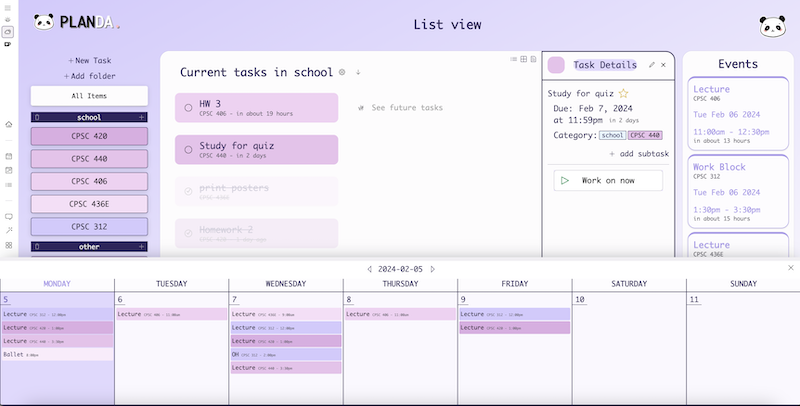
View your calendar from any page
Slide in Calendars
Plan your day without leaving the page you’re on. In list view (planda.ca/list), click the calendar icon on the top left of the screen to open up the calendar.
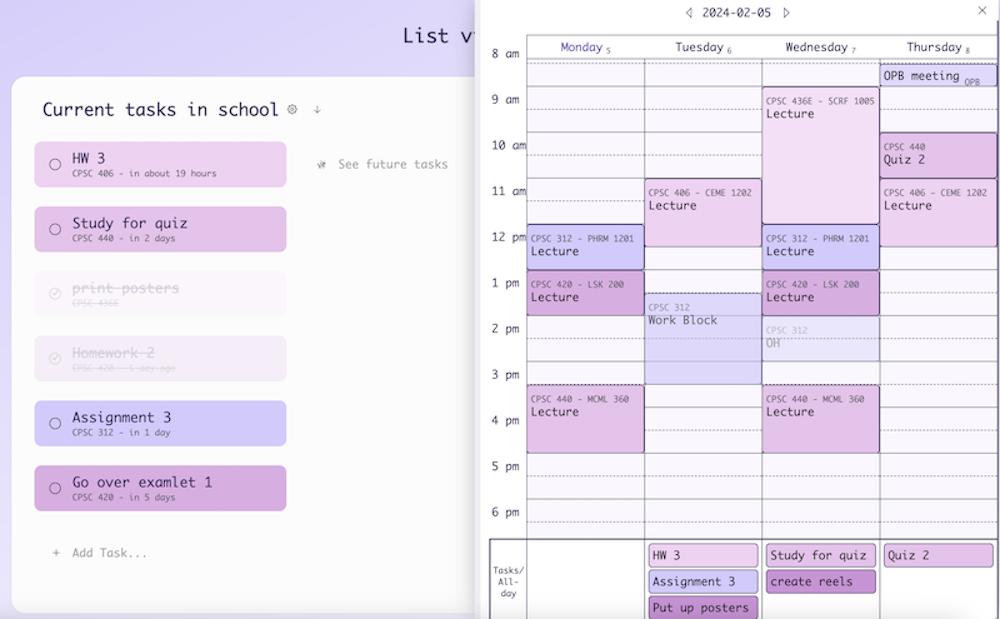
Drag any task into your calendar to schedule it.
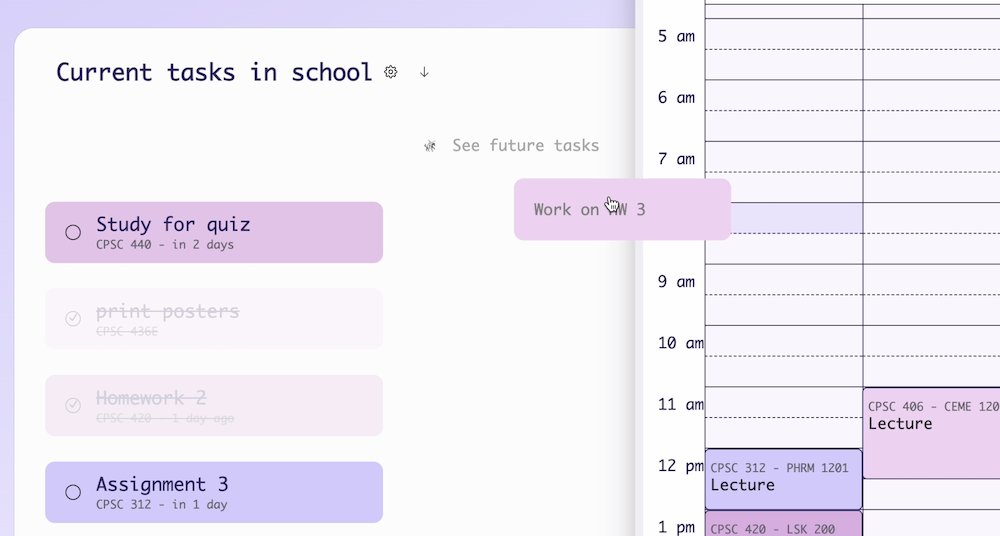
Everything in the calendar can also be dragged to move or resize.
Your monthly calendar can also be accessed by clicking the cloud icon on the top left of the screen. Resizing this pop-up will reveal more of your monthly calendar.